Bookkeeping on Autopilot
Karl finds all past & present receipts, auto-categorizes expenses, reconciles them, and syncs to QuickBooks


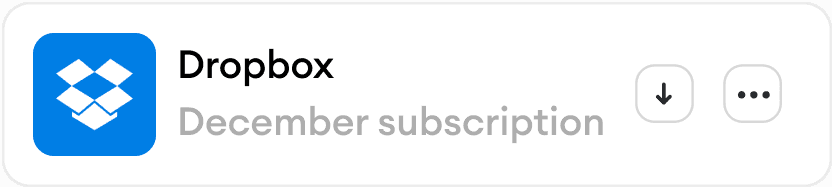
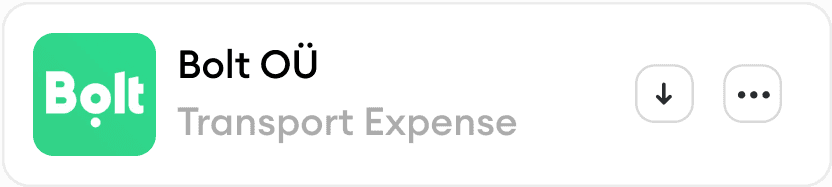




Karl automatically finds, extracts, and categorizes invoices and receipts from all your inboxes, then matches them with the corresponding bank transactions
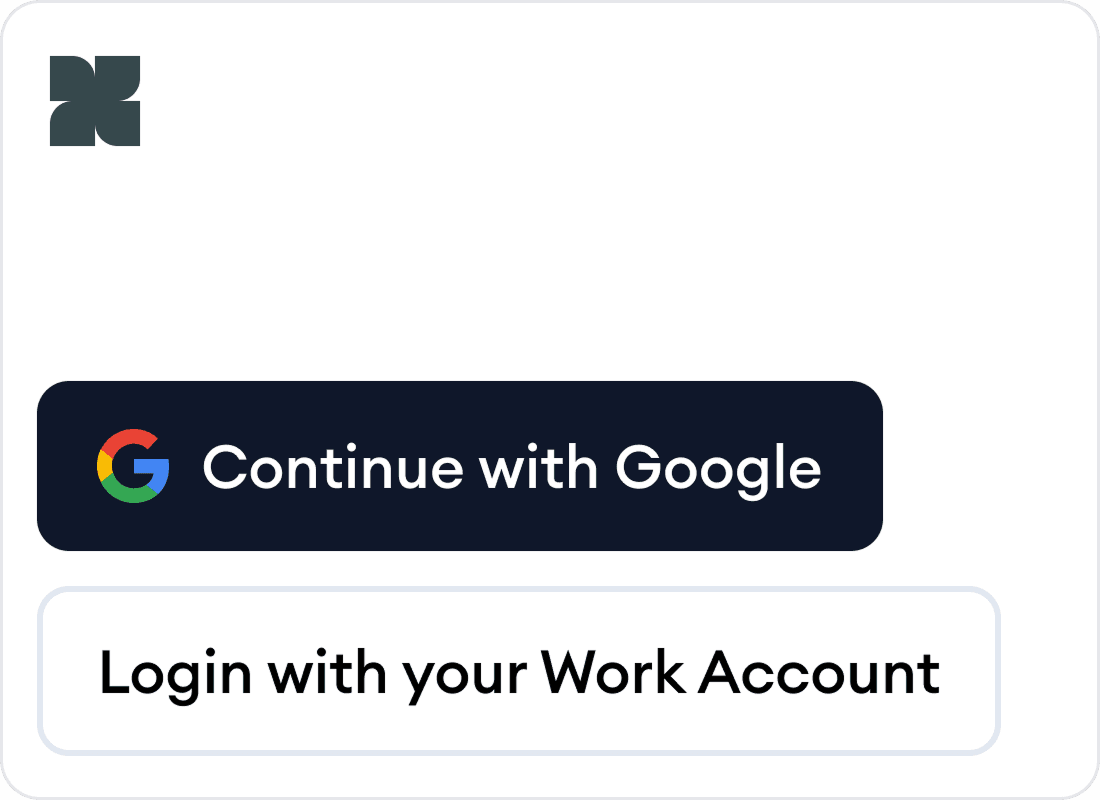
Log in with your business email
Gmail supported, link all your business email boxes
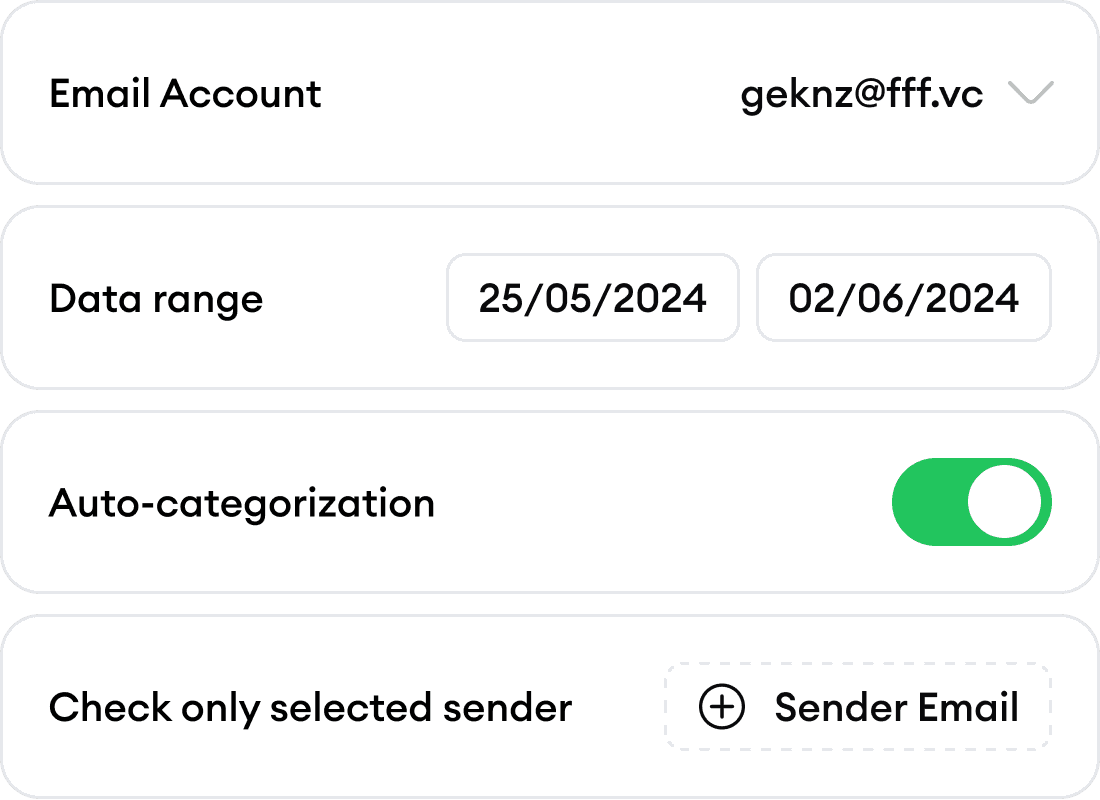
Capture invoices and receipts
Karl automatically finds and extracts all receipts and invoices with smart categorization
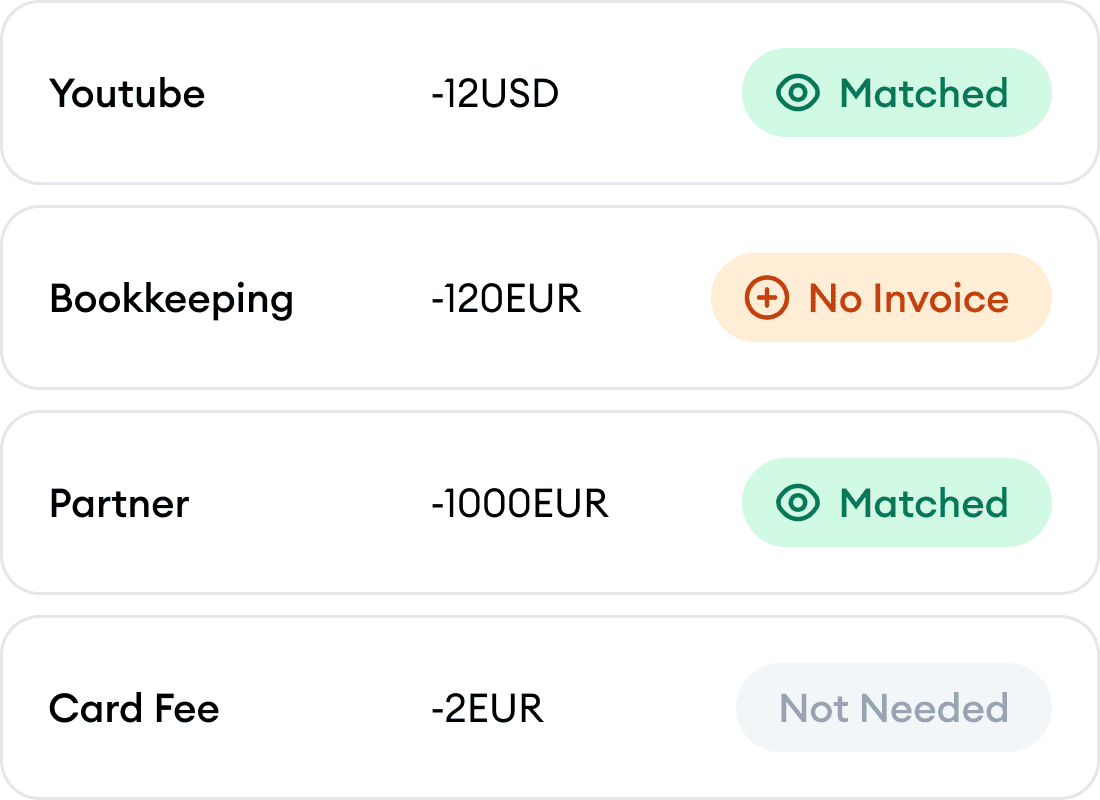
Match with bank transactions
Karl handles reconciliation by matching every transaction to the right document
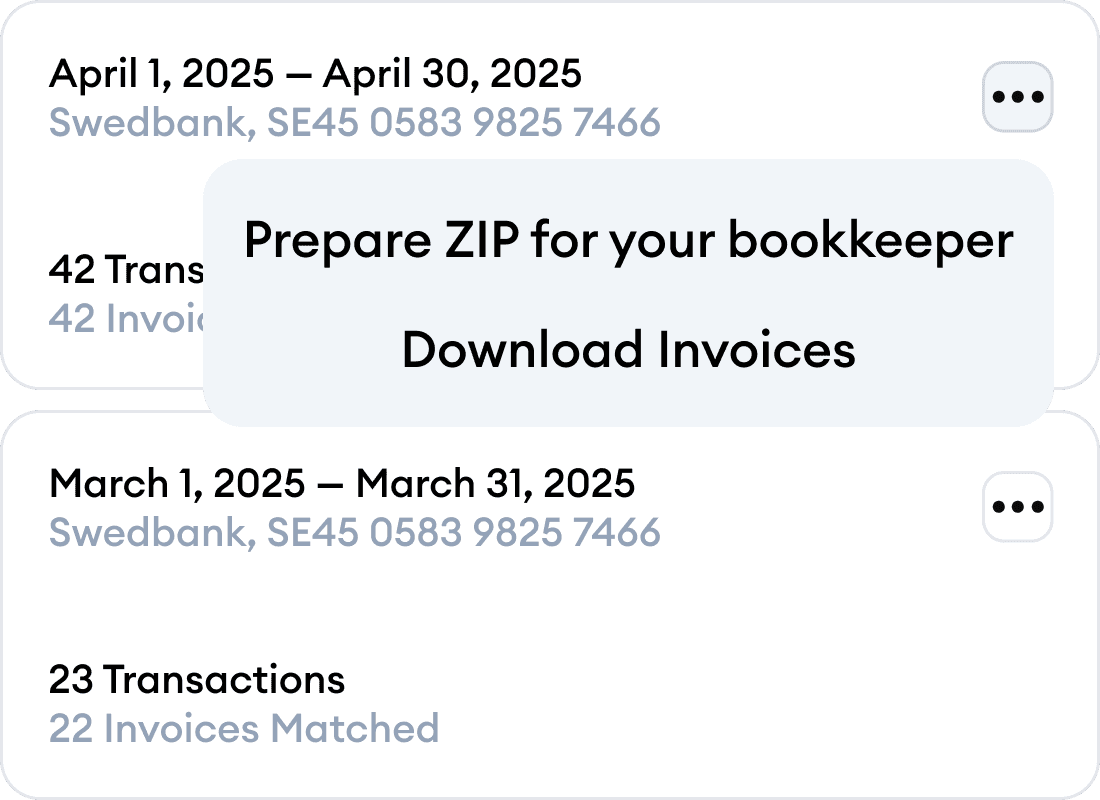
Export
Send to QuickBooks, Google Drive, or export to CSV, PDF, ZIP formats
Karl automatically finds, extracts, and categorizes invoices and receipts from all your inboxes, then matches them with the corresponding bank transactions
Log in with your business email
Gmail supported, link all your business email boxes
Capture invoices and receipts
Karl automatically finds and extracts all receipts and invoices with smart categorization
Match with bank transactions
Karl handles reconciliation by matching every transaction to the right document
Export
Send to QuickBooks, Google Drive, or export to CSV, PDF, ZIP formats
Karl automatically finds, extracts, and categorizes invoices and receipts from all your inboxes, then matches them with the corresponding bank transactions
Log in with your business email
Gmail supported, link all your business email boxes
Capture invoices and receipts
Karl automatically finds and extracts all receipts and invoices with smart categorization
Match with bank transactions
Karl handles reconciliation by matching every transaction to the right document
Export
Send to QuickBooks, Google Drive, or export to CSV, PDF, ZIP formats
Bookkeepers and accountants trust us
Your data, confidential
Advanced encryption keeps your data secure and private
Security audit
Completed Cloud Application Security Assessment (CASA) by Google
Trusted by top accountants
Karl built by United Accountants
Your data, confidential
Advanced encryption keeps your data secure and private
Security audit
Completed Cloud Application Security Assessment (CASA) by Google
Trusted by top accountants
Karl built by United Accountants
Less manual work
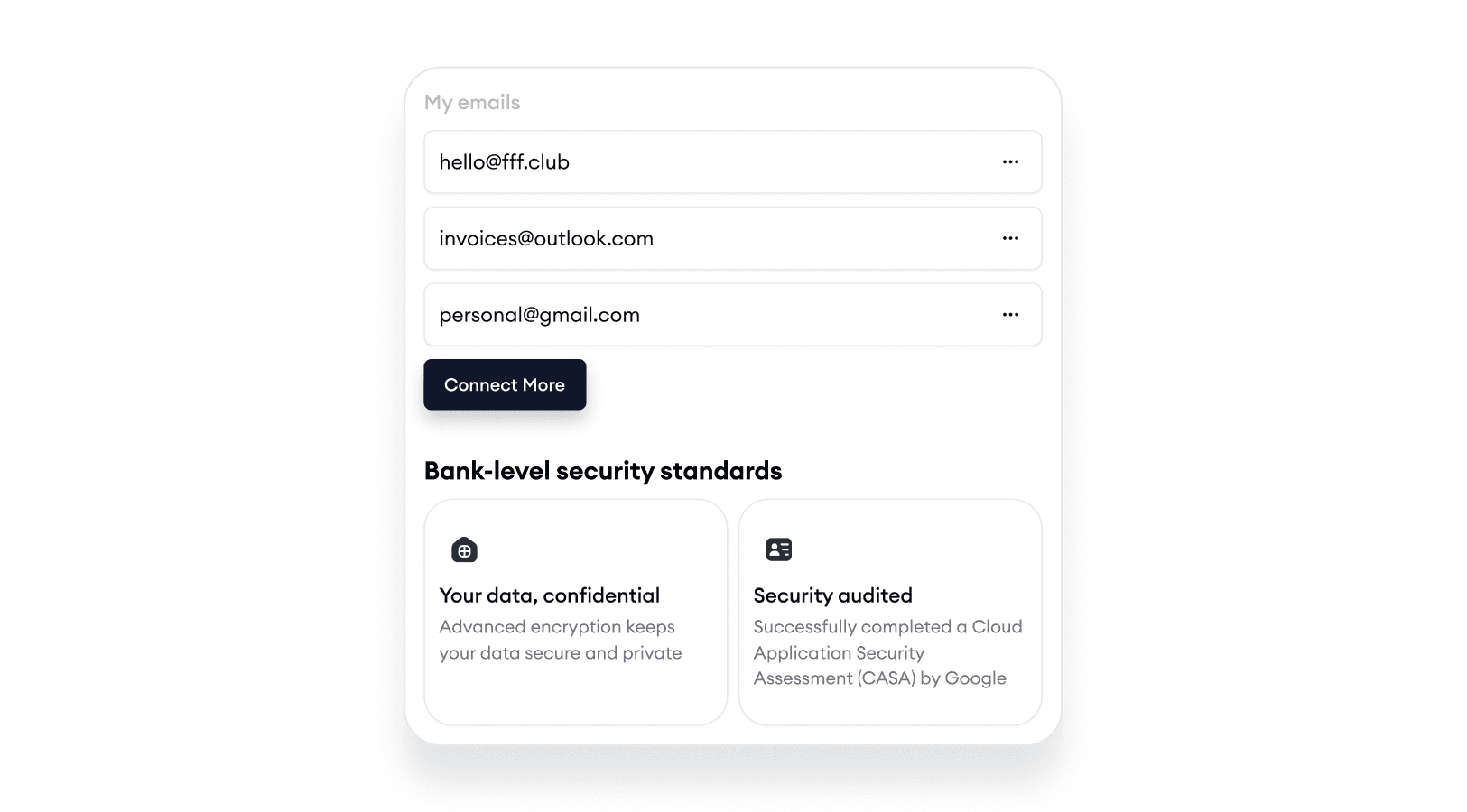
Connect as many email boxes as you want
Karl supports multiple email boxes. Collect invoices from all your work email boxes
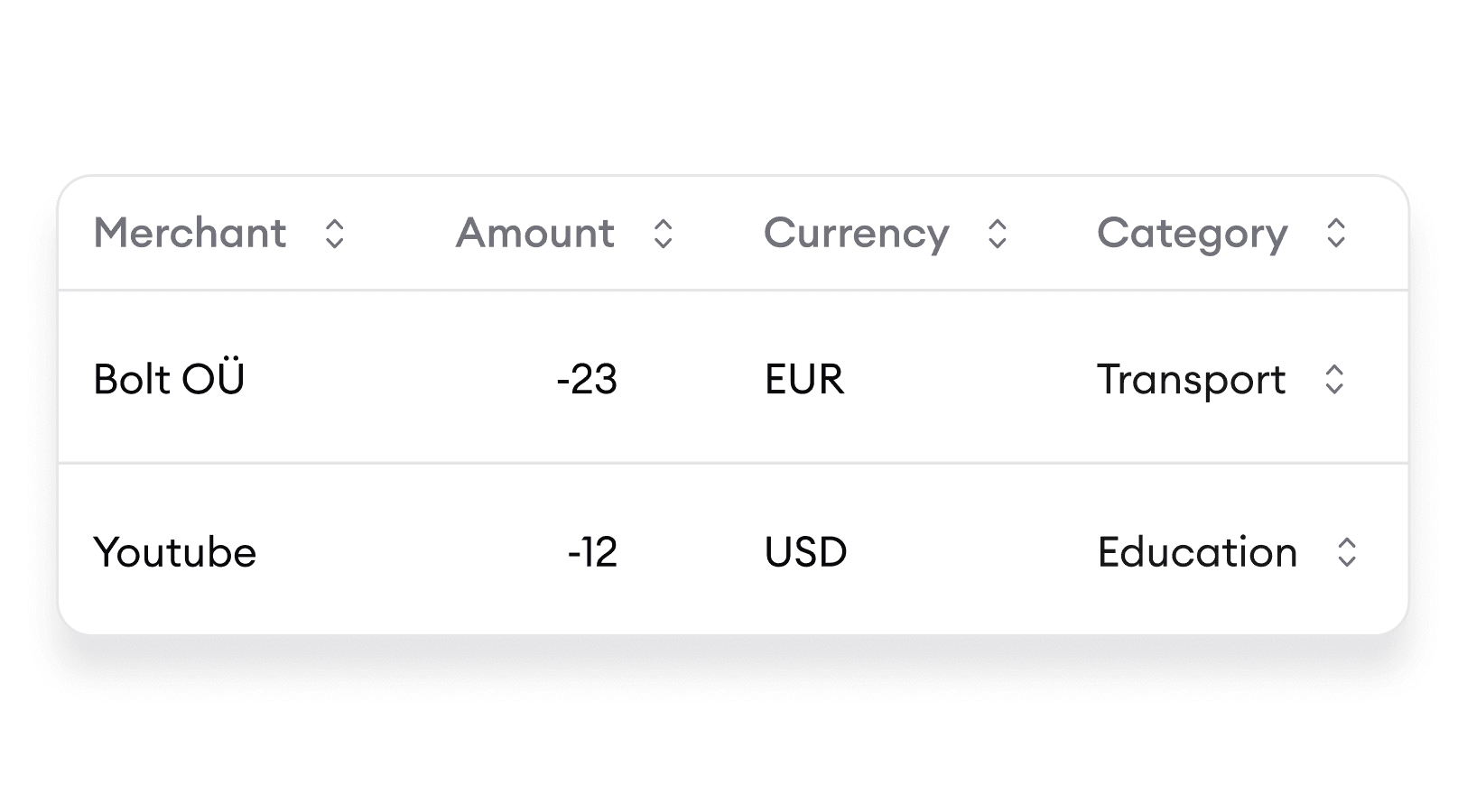
Automated extraction and categorization
Enable extraction, and Karl will effortlessly collect and categorize your expenses in no time
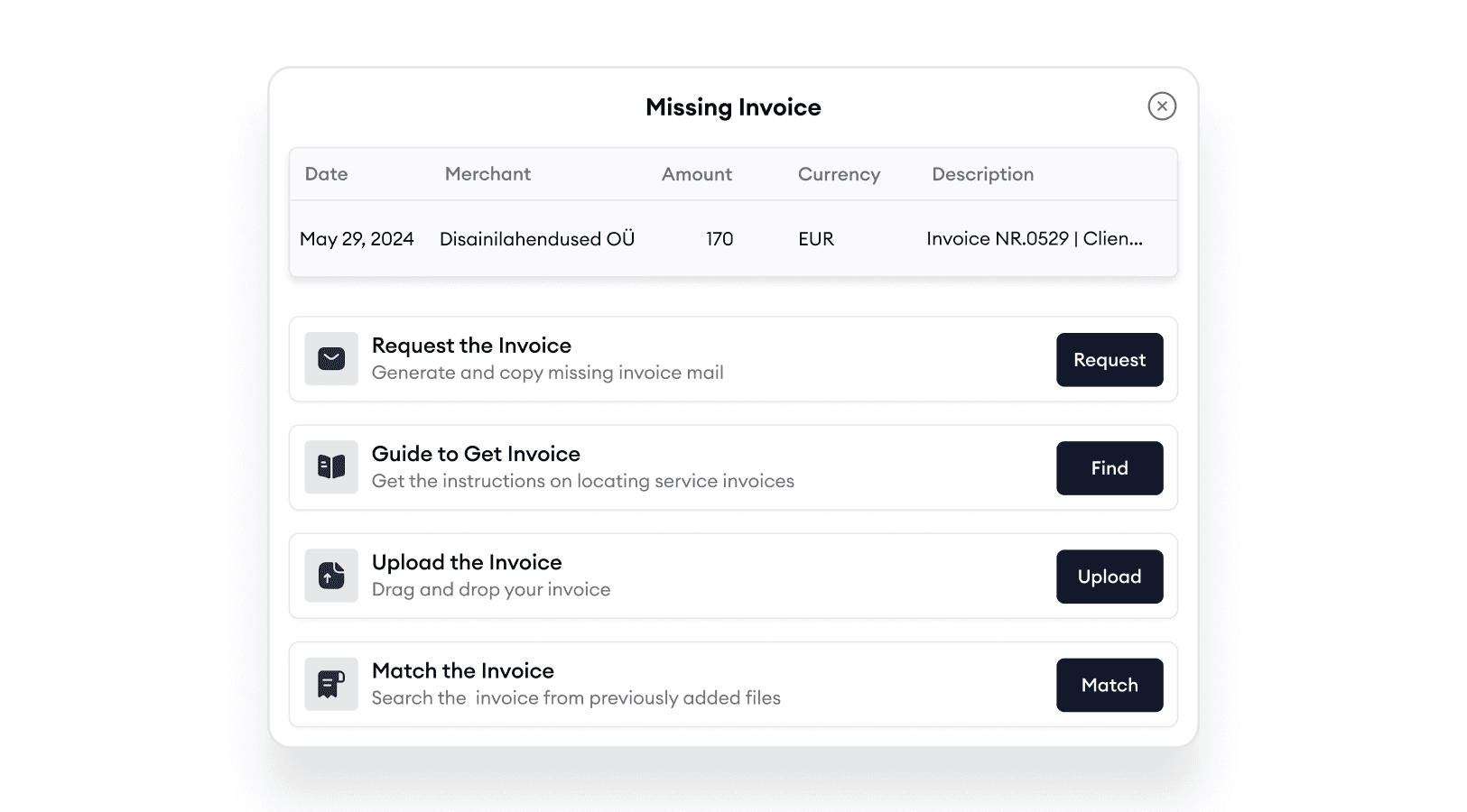
Can’t find an invoice? We’ve got you covered!
Easily request missing invoices or follow step-by-step instructions to retrieve them from apps
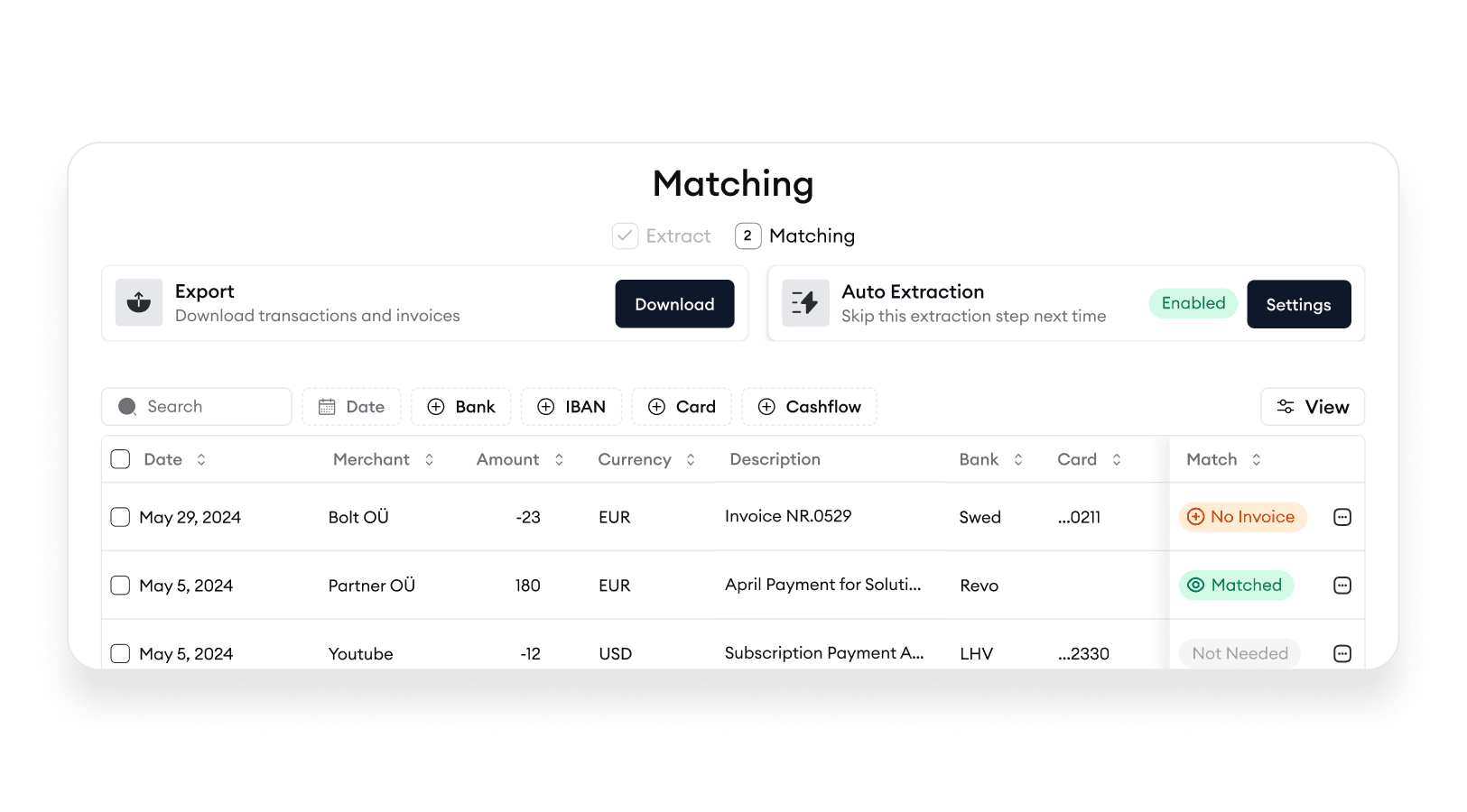
Connect bank accounts and match
Connect bank accounts and instantly match expenses to transactions
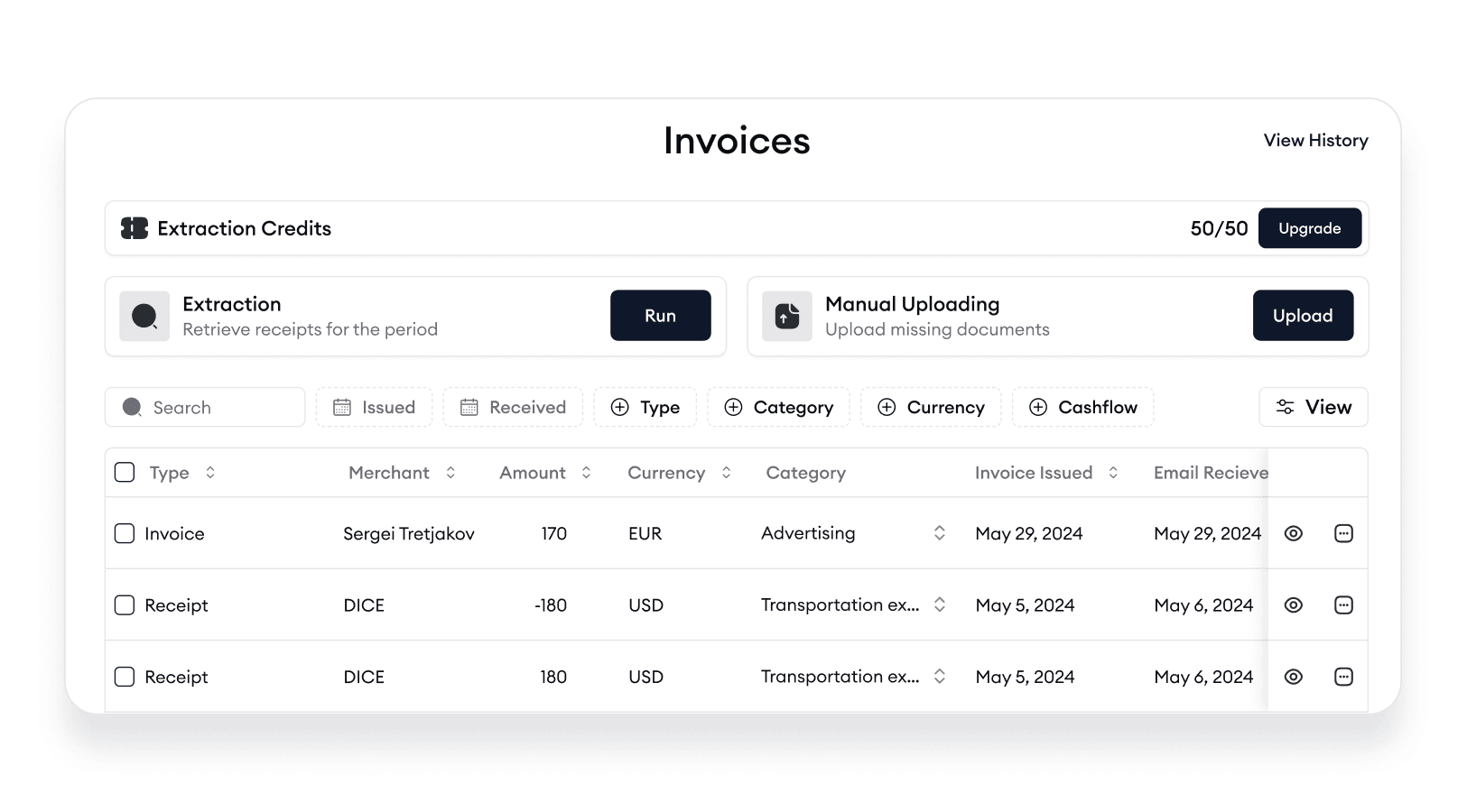
Hold all invoices in unified storage
All your expenses and subscriptions in one place
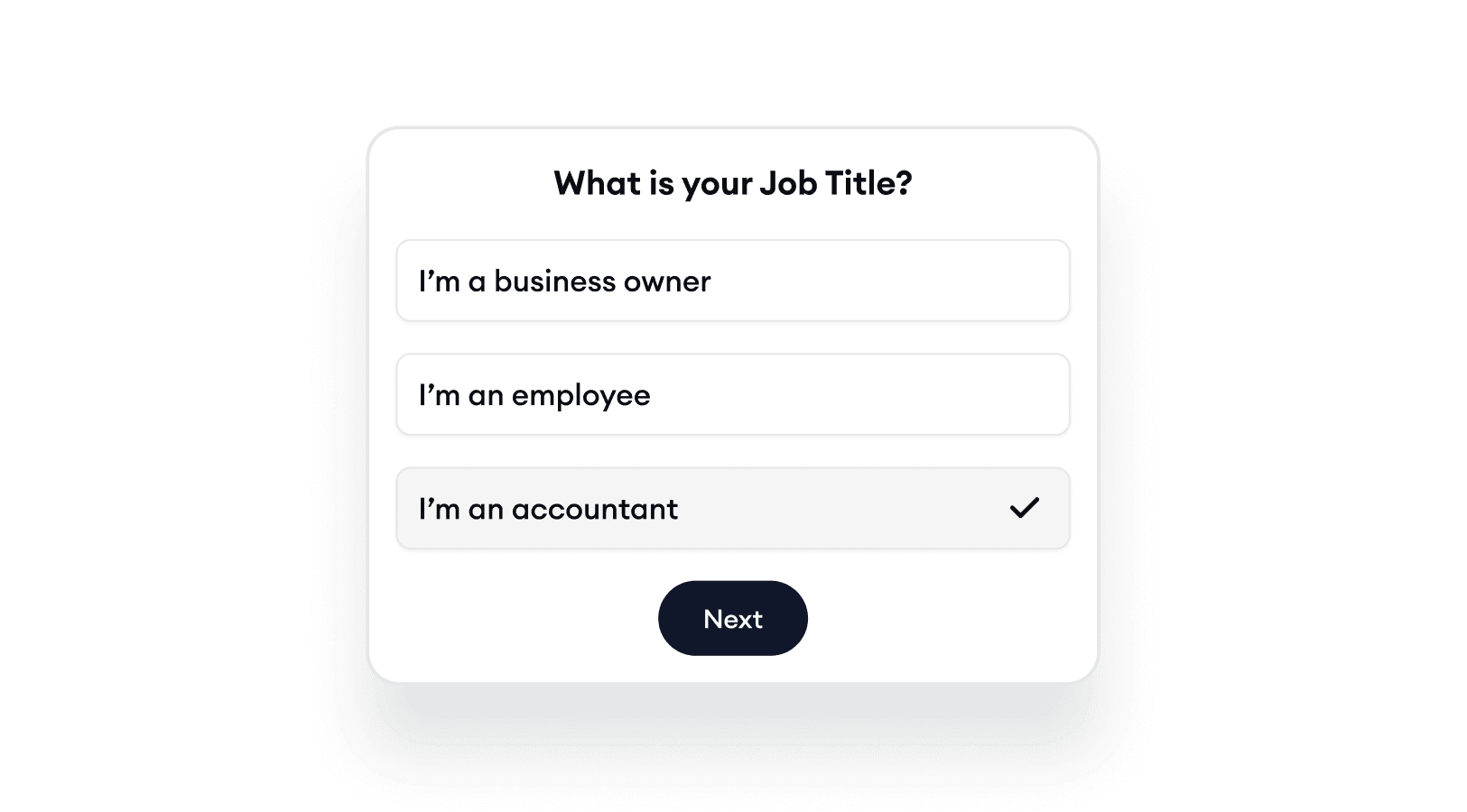
Bookkeepers get it with ease!
Invite and collaborate with your colleagues and clients
Less manual work
Connect as many email boxes as you want
Karl supports multiple email boxes. Collect invoices from all your work email boxes
Automated extraction and categorization
Enable extraction, and Karl will effortlessly collect and categorize your expenses in no time
Can’t find an invoice? We’ve got you covered!
Easily request missing invoices or follow step-by-step instructions to retrieve them from apps
Connect bank accounts and match
Connect bank accounts and instantly match expenses to transactions
Hold all invoices in unified storage
All your expenses and subscriptions in one place
Bookkeepers get it with ease!
Invite and collaborate with your colleagues and clients
Less manual work
Connect as many email boxes as you want
Karl supports multiple email boxes. Collect invoices from all your work email boxes
Automated extraction and categorization
Enable extraction, and Karl will effortlessly collect and categorize your expenses in no time
Can’t find an invoice? We’ve got you covered!
Easily request missing invoices or follow step-by-step instructions to retrieve them from apps
Connect bank accounts and match
Connect bank accounts and instantly match expenses to transactions
Hold all invoices in unified storage
All your expenses and subscriptions in one place
Bookkeepers get it with ease!
Invite and collaborate with your colleagues and clients
All rights reserved