Effortless Invoice & Receipt Management for Freelancers
Automate your records. Auto-collect invoices & receipts from your inbox for smooth tax reporting and bookkeeping.

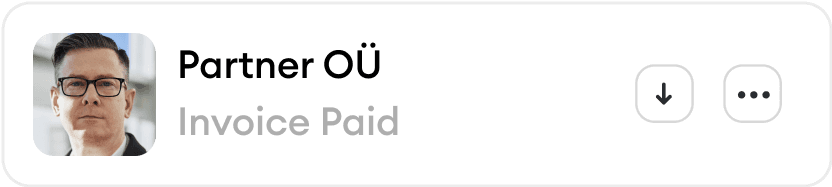
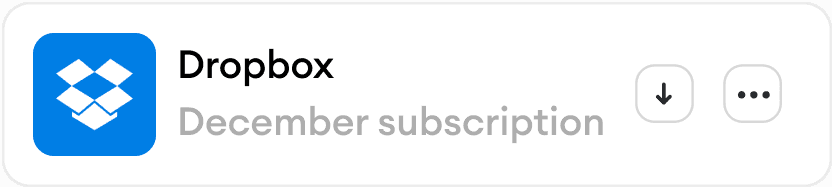
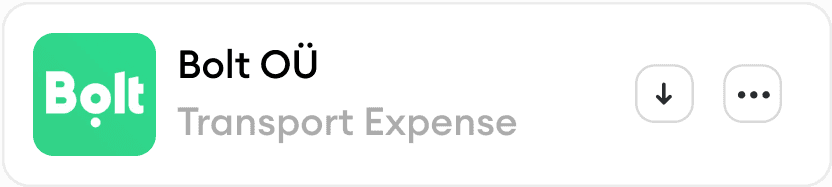



Karl automatically finds, extracts, and categorizes invoices and receipts from all your inboxes, then matches them with the corresponding bank transactions
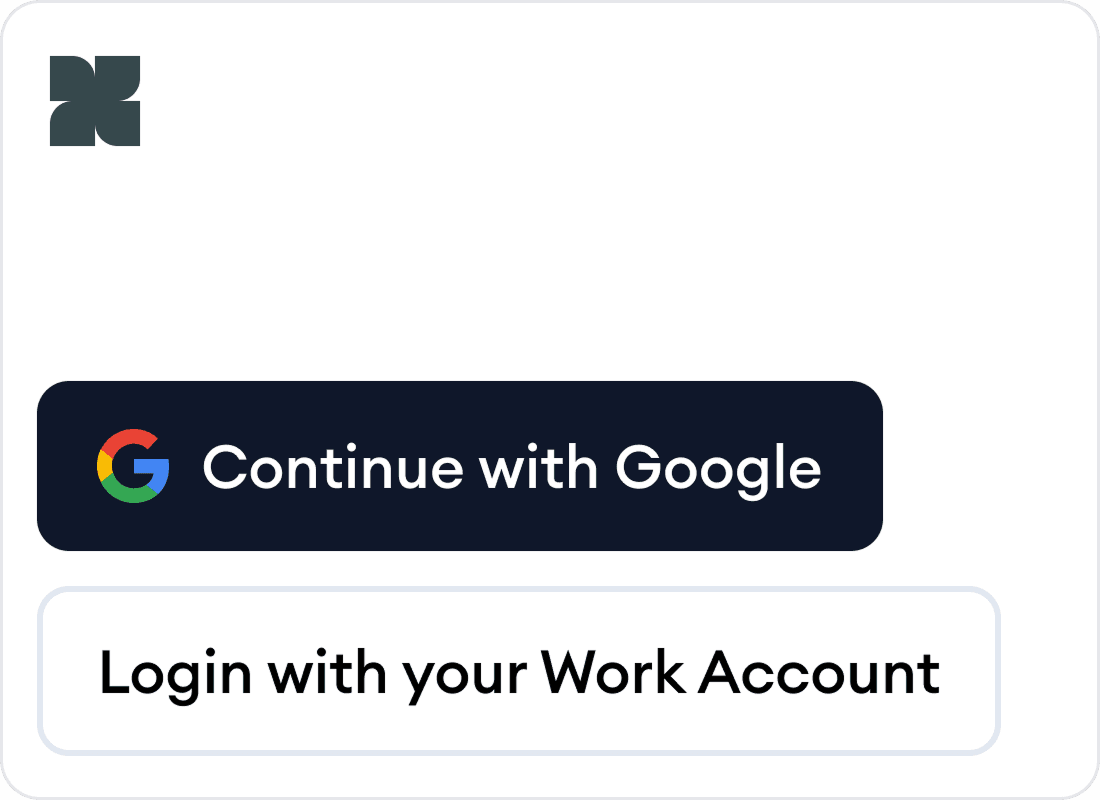
Log in with your business email
Gmail supported, link all your business email boxes
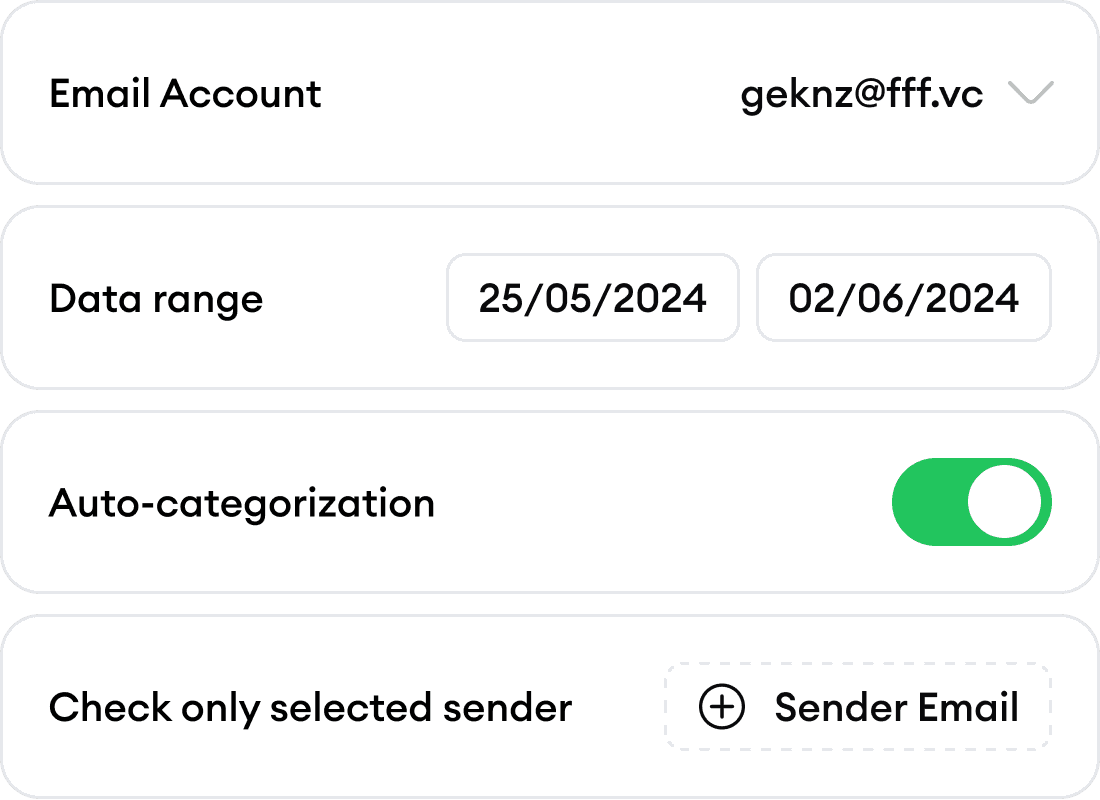
Capture invoices and receipts
Karl automatically finds and extracts all receipts and invoices with smart categorization
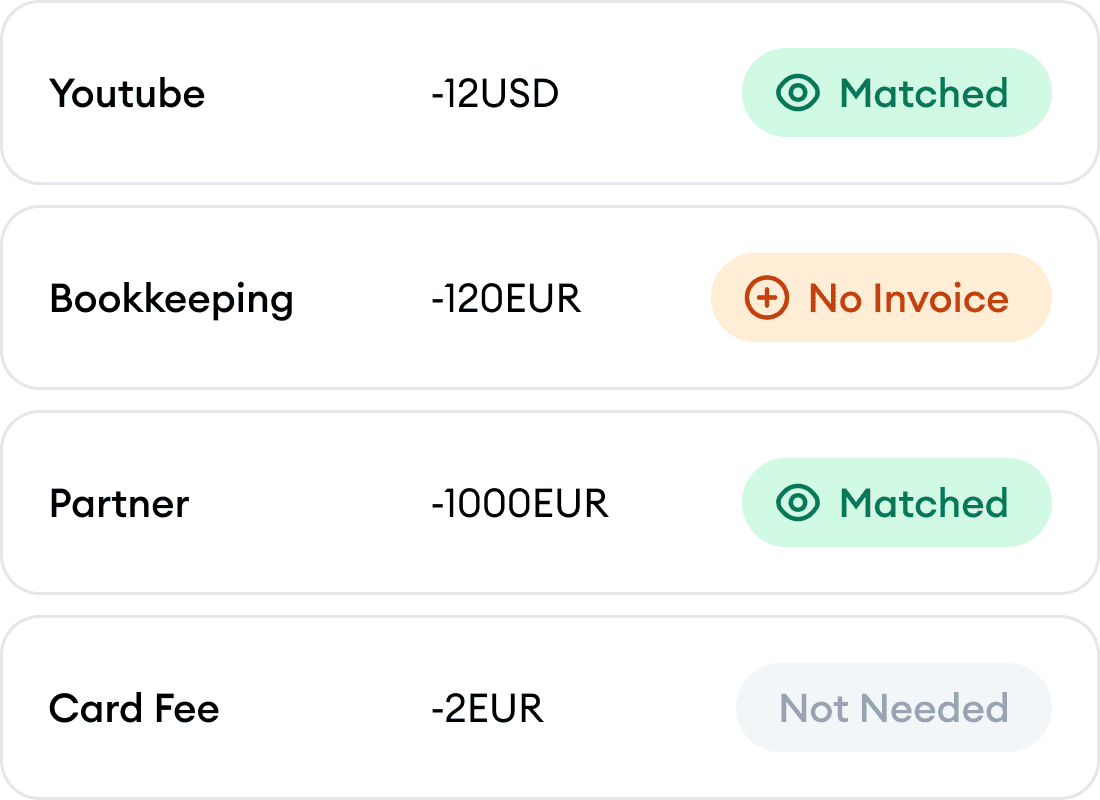
Match with bank transactions
Karl handles reconciliation by matching every transaction to the right document
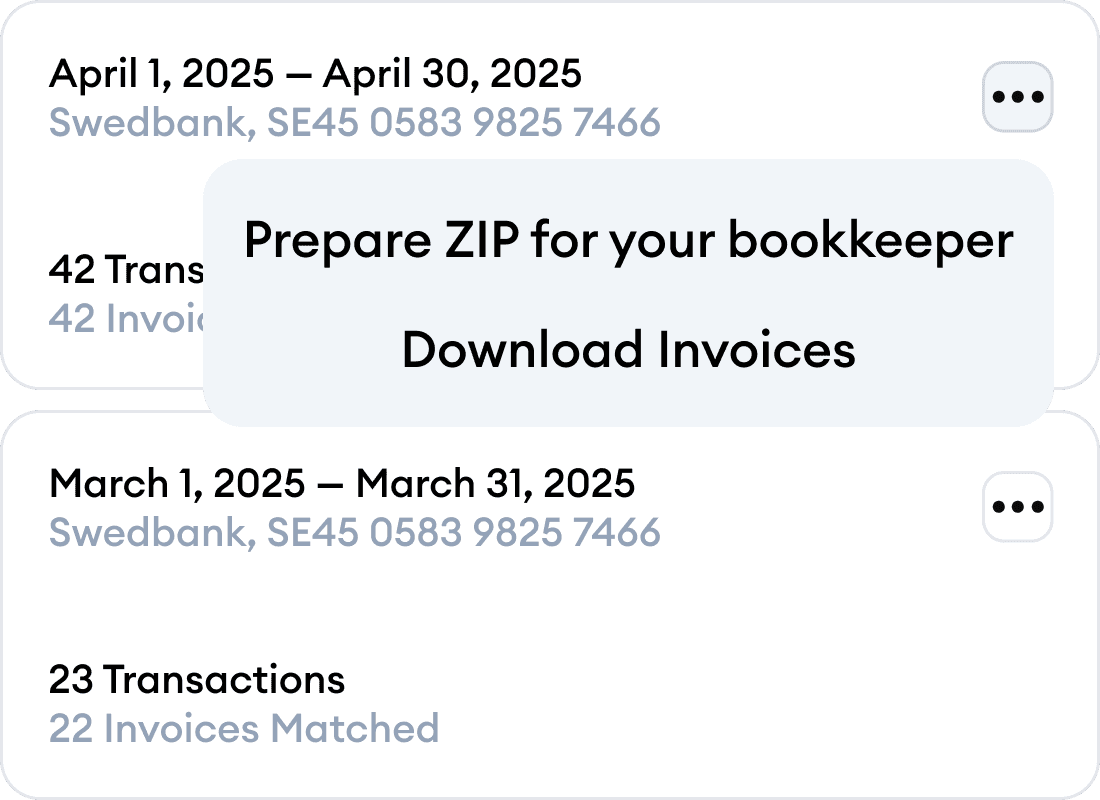
Export
Send to QuickBooks, Google Drive, or export to CSV, PDF, ZIP formats
Karl automatically finds, extracts, and categorizes invoices and receipts from all your inboxes, then matches them with the corresponding bank transactions
Log in with your business email
Gmail supported, link all your business email boxes
Capture invoices and receipts
Karl automatically finds and extracts all receipts and invoices with smart categorization
Match with bank transactions
Karl handles reconciliation by matching every transaction to the right document
Export
Send to QuickBooks, Google Drive, or export to CSV, PDF, ZIP formats
Karl automatically finds, extracts, and categorizes invoices and receipts from all your inboxes, then matches them with the corresponding bank transactions
Log in with your business email
Gmail supported, link all your business email boxes
Capture invoices and receipts
Karl automatically finds and extracts all receipts and invoices with smart categorization
Match with bank transactions
Karl handles reconciliation by matching every transaction to the right document
Export
Send to QuickBooks, Google Drive, or export to CSV, PDF, ZIP formats
How Karl Works for Freelancers
Why Freelancers Love Karl
Time-Saving Automation
Let Karl handle the admin work so you can focus on what you do best.
Organized Financial Records
Ensure all your receipts and invoices are stored securely and ready for tax reporting or client audits.
Simplified Tax Preparation
Eliminate stress during tax season with neatly categorized expenses and audit-ready reports.
Time-Saving Automation
Let Karl handle the admin work so you can focus on what you do best.
Organized Financial Records
Ensure all your receipts and invoices are stored securely and ready for tax reporting or client audits.
Simplified Tax Preparation
Eliminate stress during tax season with neatly categorized expenses and audit-ready reports.
Tailored for Freelancers
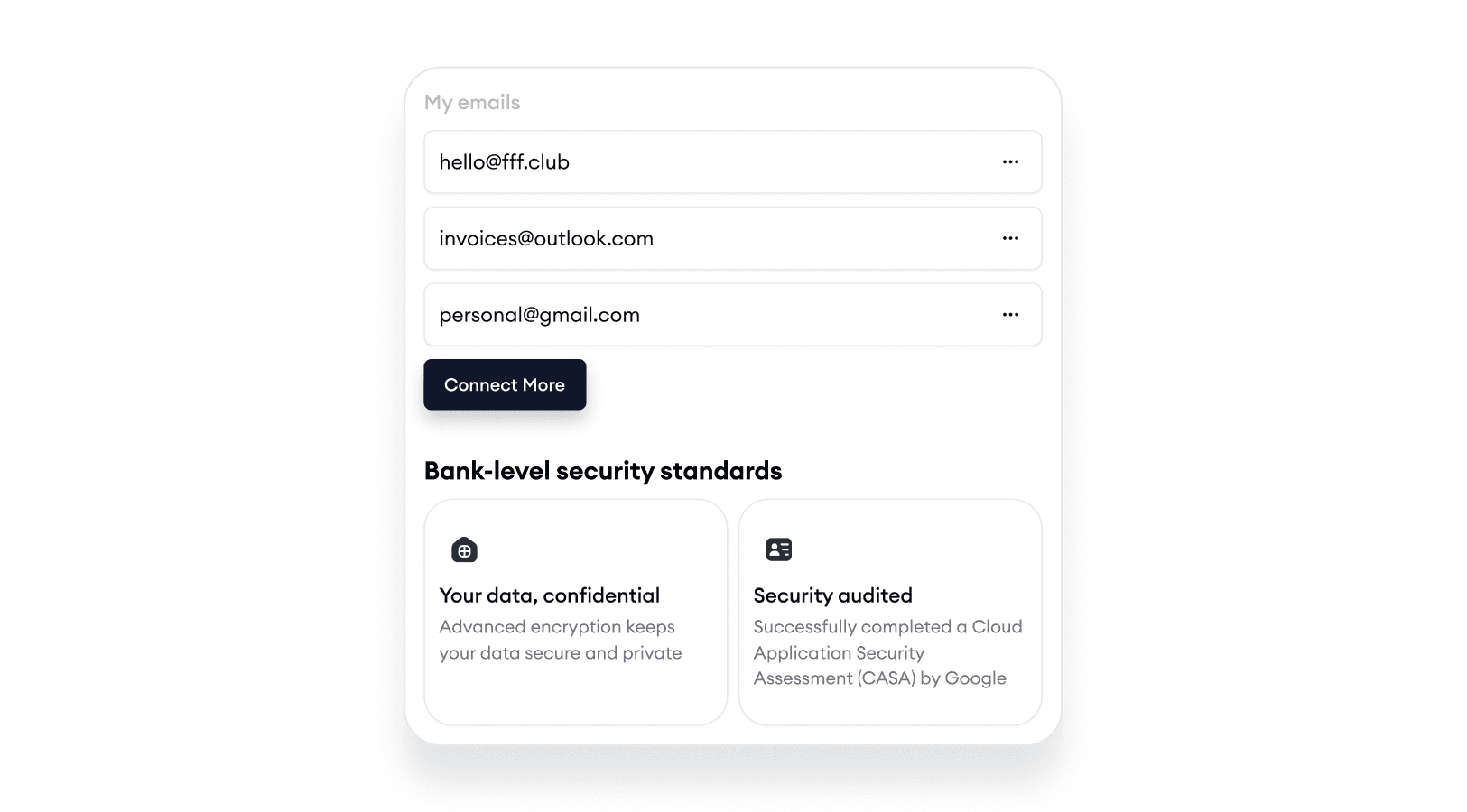
Connect as many email boxes as you want
Karl supports multiple email boxes. Collect invoices from all your work email boxes
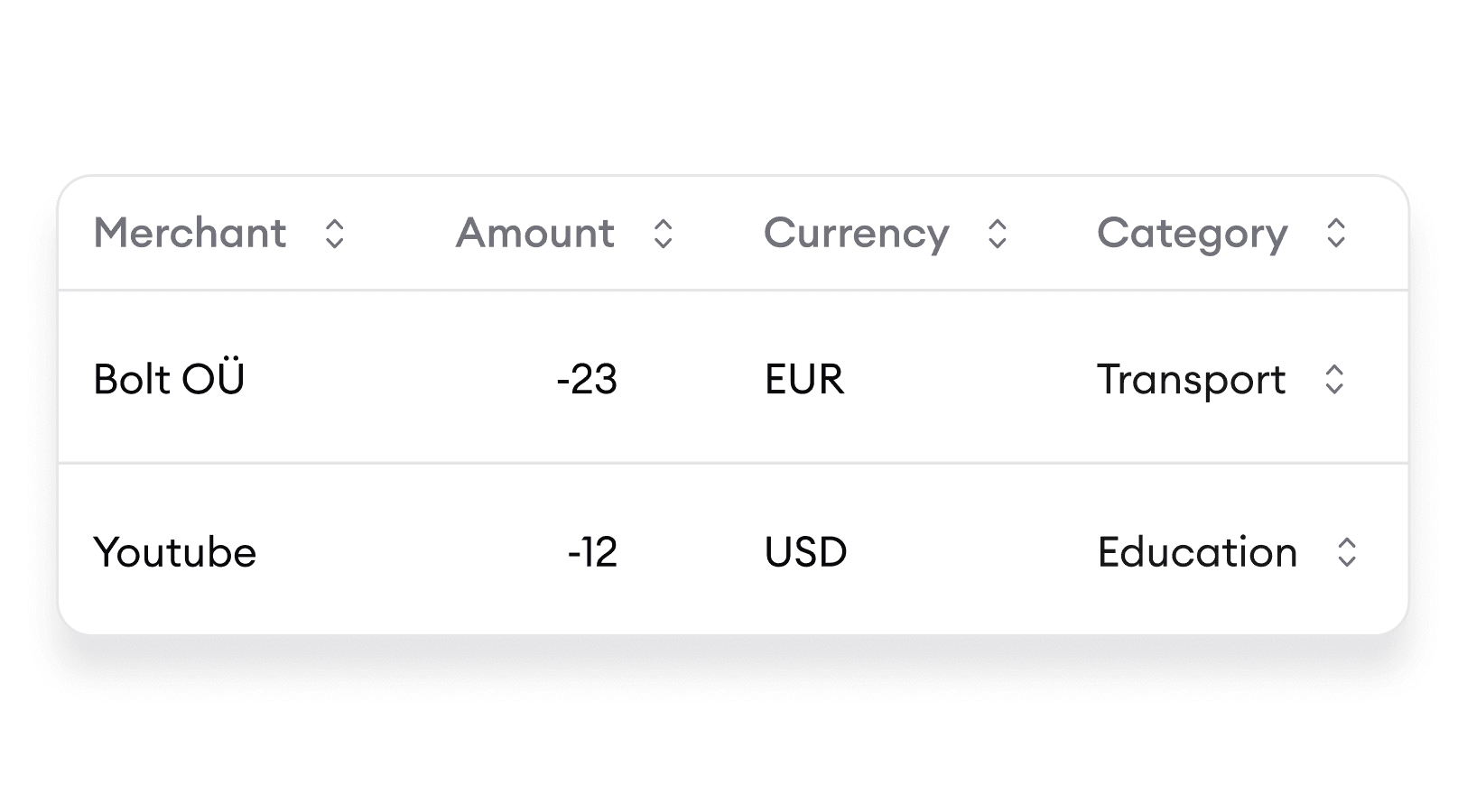
Automated extraction and categorization
Enable extraction, and Karl will effortlessly collect and categorize your expenses in no time
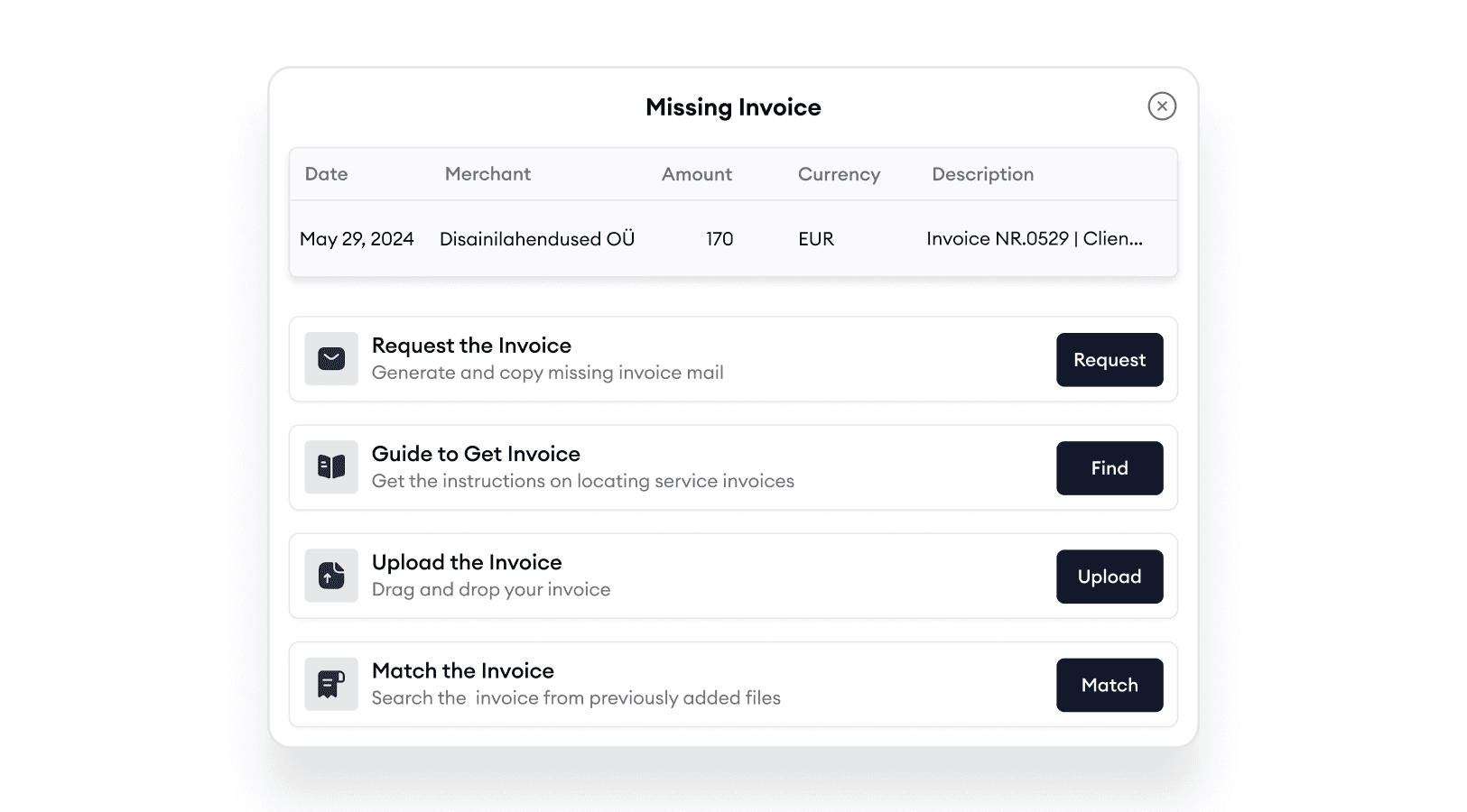
Can’t find an invoice? We’ve got you covered!
Easily request missing invoices or follow step-by-step instructions to retrieve them from apps
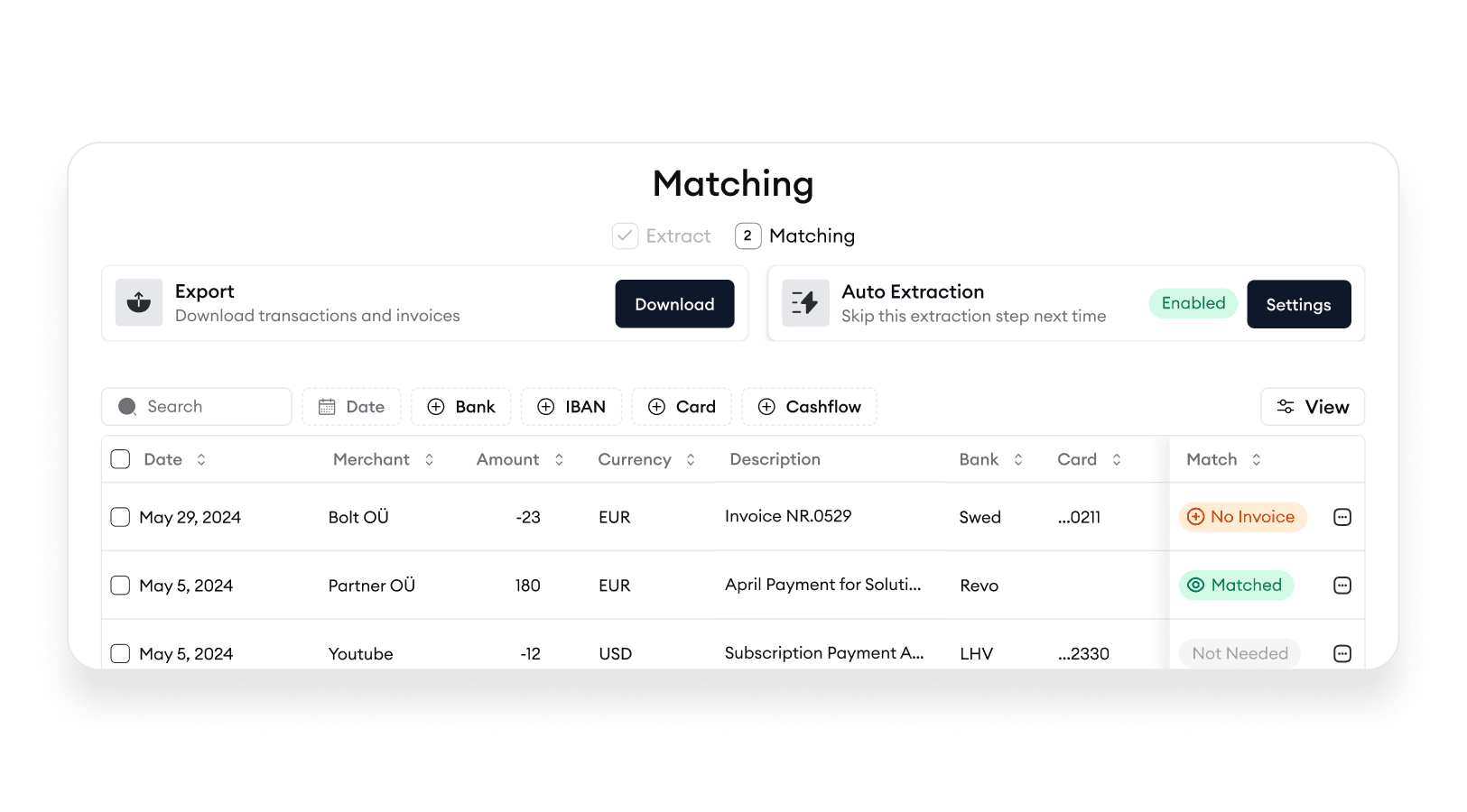
Connect bank accounts and match
Connect bank accounts and instantly match expenses to transactions
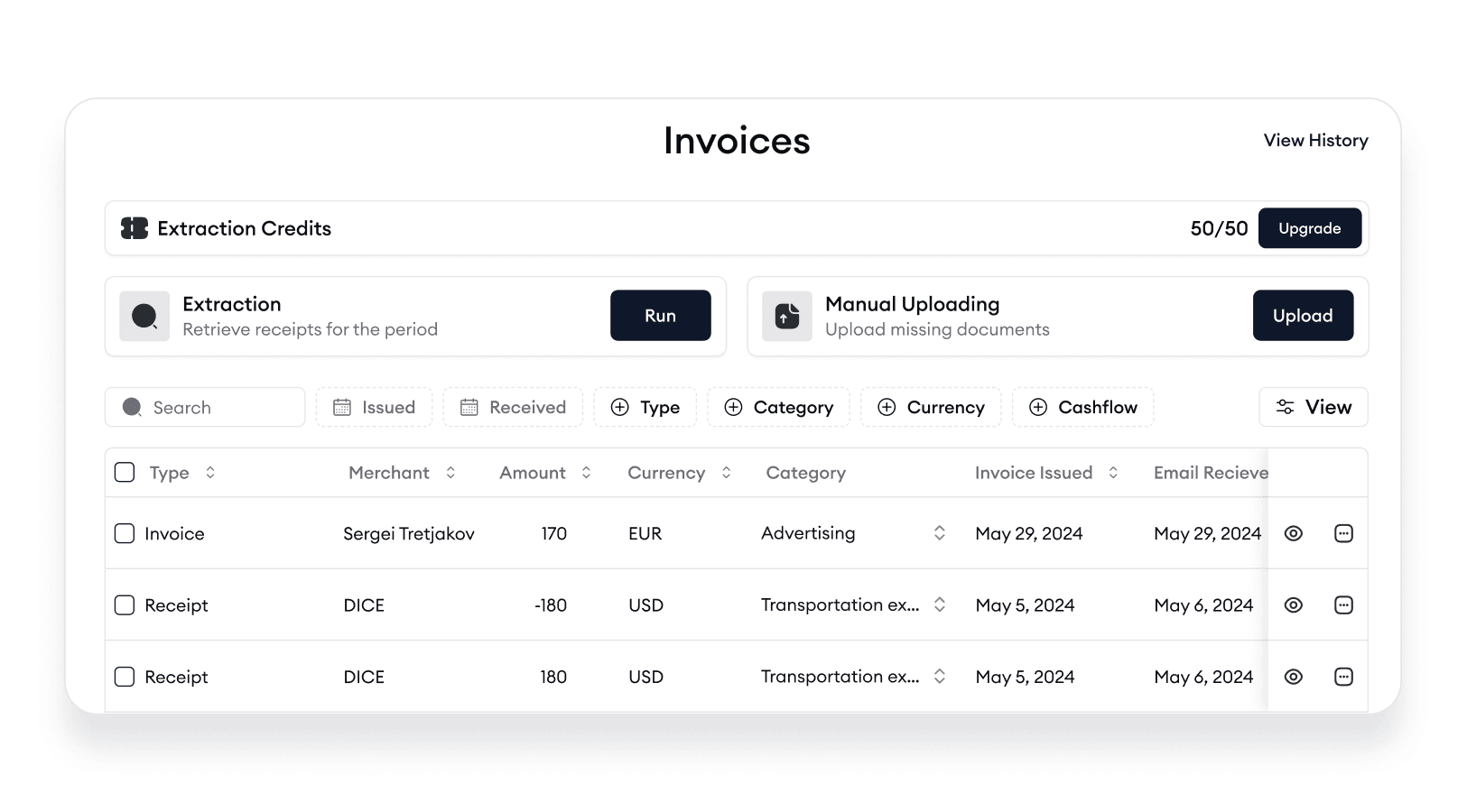
Hold all invoices in unified storage
All your expenses and subscriptions in one place
Bookkeepers get it with ease!
Invite and collaborate with your colleagues and clients
Tailored for Freelancers
Connect as many email boxes as you want
Karl supports multiple email boxes. Collect invoices from all your work email boxes
Automated extraction and categorization
Enable extraction, and Karl will effortlessly collect and categorize your expenses in no time
Can’t find an invoice? We’ve got you covered!
Easily request missing invoices or follow step-by-step instructions to retrieve them from apps
Connect bank accounts and match
Connect bank accounts and instantly match expenses to transactions
Hold all invoices in unified storage
All your expenses and subscriptions in one place
Bookkeepers get it with ease!
Invite and collaborate with your colleagues and clients
Tailored for Freelancers
Connect as many email boxes as you want
Karl supports multiple email boxes. Collect invoices from all your work email boxes
Automated extraction and categorization
Enable extraction, and Karl will effortlessly collect and categorize your expenses in no time
Can’t find an invoice? We’ve got you covered!
Easily request missing invoices or follow step-by-step instructions to retrieve them from apps
Connect bank accounts and match
Connect bank accounts and instantly match expenses to transactions
Hold all invoices in unified storage
All your expenses and subscriptions in one place
Bookkeepers get it with ease!
Invite and collaborate with your colleagues and clients
What Freelancers Say About Karl

Sarah L.
Freelance Bookkeeper
Karl has made managing my freelance finances effortless. I save hours every week with automated expense tracking and invoice management.

Thomas H.
Freelance Bookkeeper
Matching invoices with transactions used to take hours. With Karl, it's automated and accurate, saving me and my clients so much time.
Sarah L.
Freelance Bookkeeper
Karl has made managing my freelance finances effortless. I save hours every week with automated expense tracking and invoice management.
Thomas H.
Freelance Bookkeeper
Matching invoices with transactions used to take hours. With Karl, it's automated and accurate, saving me and my clients so much time.
Sarah L.
Freelance Bookkeeper
Karl has made managing my freelance finances effortless. I save hours every week with automated expense tracking and invoice management.
Thomas H.
Freelance Bookkeeper
Matching invoices with transactions used to take hours. With Karl, it's automated and accurate, saving me and my clients so much time.
Sarah L.
Freelance Bookkeeper
Karl has made managing my freelance finances effortless. I save hours every week with automated expense tracking and invoice management.
Thomas H.
Freelance Bookkeeper
Matching invoices with transactions used to take hours. With Karl, it's automated and accurate, saving me and my clients so much time.
Sarah L.
Freelance Bookkeeper
Karl has made managing my freelance finances effortless. I save hours every week with automated expense tracking and invoice management.
Thomas H.
Freelance Bookkeeper
Matching invoices with transactions used to take hours. With Karl, it's automated and accurate, saving me and my clients so much time.
Sarah L.
Freelance Bookkeeper
Karl has made managing my freelance finances effortless. I save hours every week with automated expense tracking and invoice management.
Thomas H.
Freelance Bookkeeper
Matching invoices with transactions used to take hours. With Karl, it's automated and accurate, saving me and my clients so much time.
Sarah L.
Freelance Bookkeeper
Karl has made managing my freelance finances effortless. I save hours every week with automated expense tracking and invoice management.
Thomas H.
Freelance Bookkeeper
Matching invoices with transactions used to take hours. With Karl, it's automated and accurate, saving me and my clients so much time.
Sarah L.
Freelance Bookkeeper
Karl has made managing my freelance finances effortless. I save hours every week with automated expense tracking and invoice management.
Thomas H.
Freelance Bookkeeper
Matching invoices with transactions used to take hours. With Karl, it's automated and accurate, saving me and my clients so much time.
Pricing
Trial
Free
20 invoices & receipts for processing
non-renewable
1 email box
Smart reconciliation
5 exports in CSV, PDF and ZIP
Unlimited email processing
Free accountant seat
No credit card required
Pro
€9/month
50 invoices & receipts for processing
per month
€0.15 per invoice starting from the 51st
1 email box
€5 for each additional connected email box
Smart reconciliation
Unlimited exports (CSV, PDF, ZIP)
Unlimited email processing
Free accountant seat
Save up to 8 hours per month
Pricing
Trial
Free
20 invoices & receipts for processing
non-renewable
1 email box
Smart reconciliation
5 exports in CSV, PDF and ZIP
Unlimited email processing
Free accountant seat
No credit card required
Pro
Per seat
€9/month
50 invoices & receipts for processing
per month
€0.15 per invoice starting from the 51st
1 email box
€5 for each additional connected email box
Smart reconciliation
Unlimited exports (CSV, PDF, ZIP)
Unlimited email processing
Free accountant seat
Save up to 8 hours per month
Pricing
Trial
Free
20 invoices & receipts for processing
non-renewable
1 email box
Smart reconciliation
5 exports in CSV, PDF and ZIP
Unlimited email processing
Free accountant seat
No credit card required
Pro
€9/month
50 invoices & receipts for processing
per month
€0.15 per invoice starting from the 51st
1 email box
€5 for each additional connected email box
Smart reconciliation
Unlimited exports (CSV, PDF, ZIP)
Unlimited email processing
Free accountant seat
Save up to 8 hours per month


Spend more time creating and less time managing your finances.
All rights reserved